.svg)



Next


A user submits your form. They sign up, book a call, purchase a product, or register for something. You’ve done the hard work: the UX is clean, the journey makes sense, and the conversion happens. That’s the goal, right?
Not quite. The moment after submission is where things often start to fall apart. That clean front-end experience now has to connect to your internal systems — and this is where gaps, delays, and manual work creep in.
This is where Zapier automation workflows come in — bridging the gap between user actions and the systems your business relies on.
On the surface, it seems simple:
User submits → business receives → action taken.
In reality, there’s a middle layer that often gets overlooked.
That “middle” is where data moves between tools, where decisions are triggered, and where processes either run smoothly… or break completely.
Without a proper system in place, you might be dealing with:
This is exactly the problem that Zapier automation workflows are designed to solve.
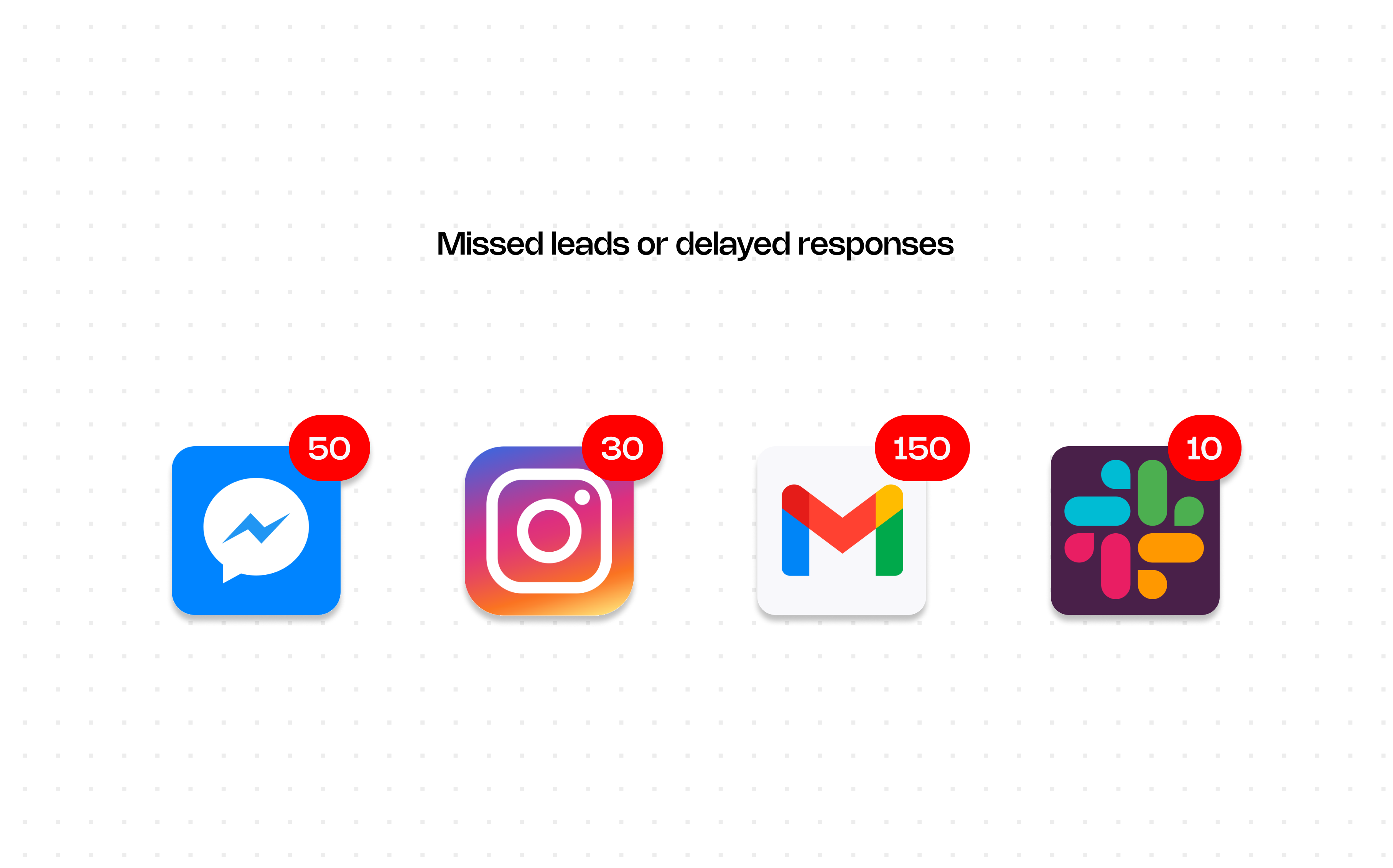
Your website doesn’t exist in isolation. It connects to CRMs, email platforms, spreadsheets, payment systems, and internal workflows.
But these tools don’t naturally communicate with each other.
So what happens?
The result: friction, delays, and a system that relies on manual intervention to function.
Zapier acts as the connective layer between your tools.
It listens for an action (a “trigger”) and automatically performs follow-up steps (called “actions”) across your systems.
Instead of:
User submits → someone checks → someone copies → someone sends
You get:
User submits → everything happens automatically
That’s the power of Zapier automation workflows — turning isolated tools into a cohesive, automated system.
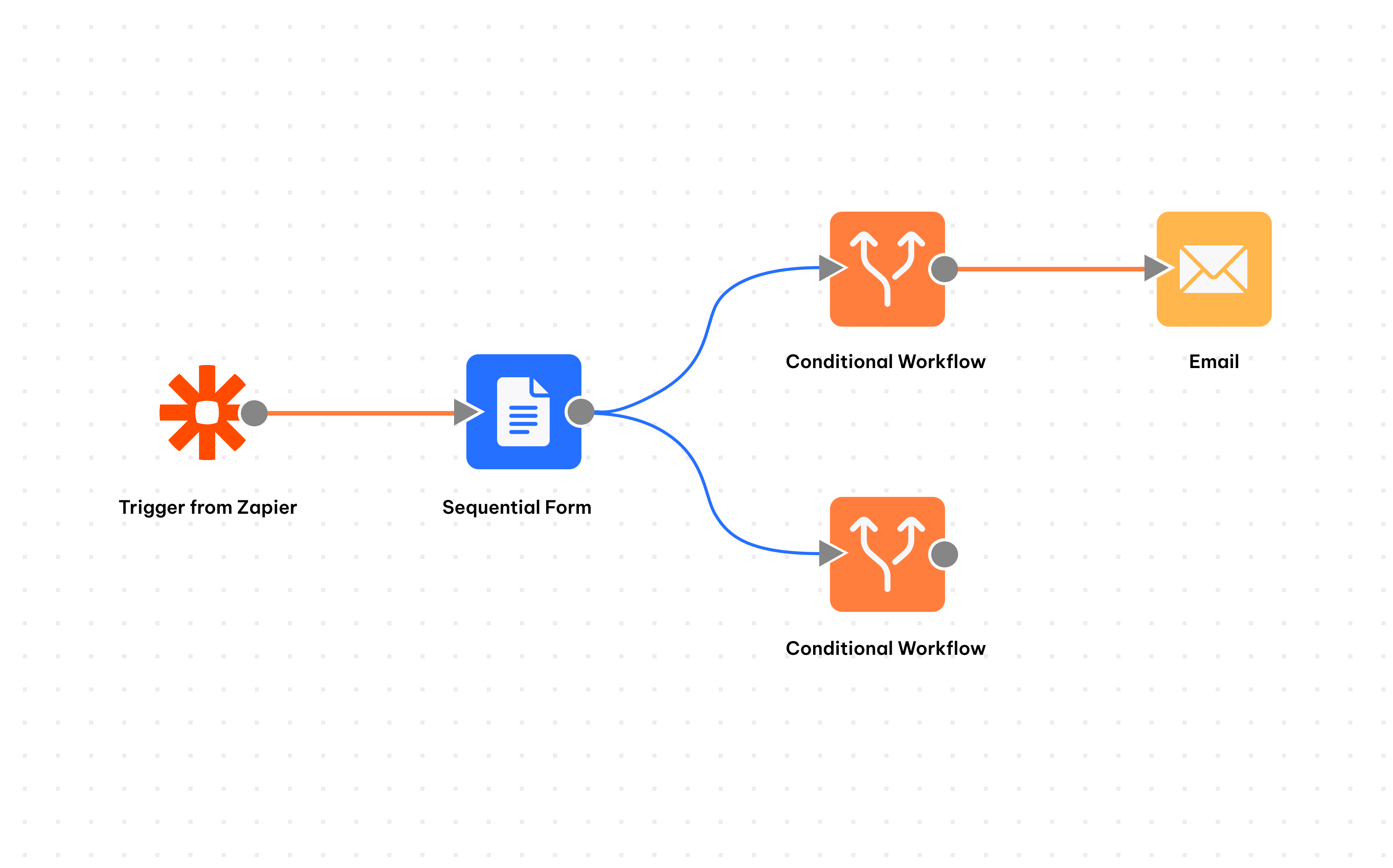
Here’s where this becomes powerful in practice:
A user fills out a form on your website.
Automatically:
No delays, no missed leads.
A user signs up for a webinar.
Automatically:
The experience feels seamless, but it’s all automated behind the scenes.
A customer completes a purchase.
Automatically:
No manual syncing between platforms.
You publish a new blog post.
Automatically:
One action, multiple outcomes.
A form is submitted internally (e.g. onboarding, requests).
Automatically:
No need for follow-ups or manual tracking.
The quality of your system isn’t defined by how good the front-end experience is — it’s defined by what happens after.
A smooth user journey means nothing if:
Automation ensures consistency, speed, and reliability.
Design gets the user in.
Build brings the experience to life.
But automation is what keeps everything running.
By implementing Zapier automation workflows, you bridge the gap between user actions and business processes — turning scattered tools into a connected ecosystem, reducing manual work, and improving response times.
Because a good system doesn’t just capture information — it knows what to do with it.
