.svg)


Next


You’ve designed the pages, built the layouts, styled everything to perfection, and your Webflow site is looking exactly how you imagined. Clean, consistent, ready to go.
Time to hand it over to the client so they can start adding content, right?
Right… and that’s where things usually start to fall apart.
.gif)
A CMS (Content Management System) is designed to make your website editable without needing a developer.
In tools like Webflow, this allows clients to add:
—all without touching the design.
In theory, it’s simple:
Add content → it flows into the design → everything stays consistent.
In reality, it’s rarely that clean.
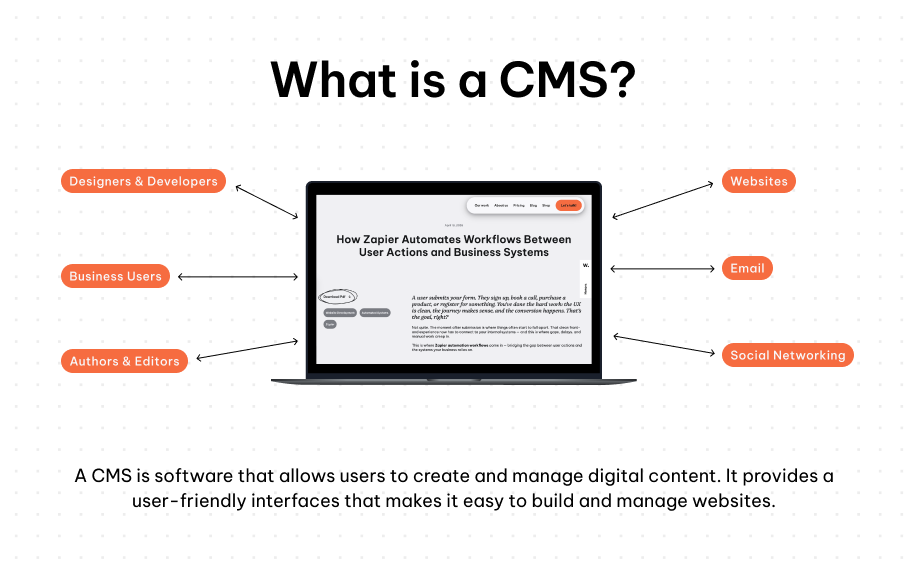
The issue isn’t the CMS itself — it’s how it’s set up.
If your CMS structure isn’t properly planned during the build phase, you’ll quickly run into common CMS problems:
What looked like a polished system becomes fragile the moment real content is introduced.
Sound familiar?
There’s a common assumption that a CMS makes your website “flexible.”
But flexibility without constraints is chaos.
If you give users complete freedom:
A CMS doesn’t automatically protect your design — it exposes it.

A well-structured CMS is almost invisible.
When it’s done right:
This doesn’t happen by accident — it’s the result of intentional CMS design decisions:
1. Define content limits early
Set clear expectations for character counts, image sizes, and field usage.
2. Design for real content scenarios
Account for both short and long content variations during the design phase.
3. Keep CMS fields structured and minimal
Avoid unnecessary fields and make each one purposeful.
4. Build flexible but resilient layouts
Your design should stretch — not break — when content changes.
In other words:
You’re not just designing pages — you’re designing a scalable content system.
The best CMS setups balance flexibility and control.
Because the goal isn’t to let users do anything —
it’s to let them do the right things easily.

A CMS isn’t something you plug in at the end.
It should shape how you approach your design and development from the very beginning.
When done well, your CMS becomes:
When done poorly, it becomes the reason your website slowly breaks over time.
Related blogs
